
Search by name or explore a category
Look for a familiar trend or browse dances, pets and performances. Watch the full preview to understand what happens, how the scene is framed and how it ends.

Find a scene, preview its motion and create a version with your photos.
Creations from this workspace appear here.
Explore AI video trends by action, cast and setting before choosing a template.
Look for a familiar trend or browse dances, pets and performances. Watch the full preview to understand what happens, how the scene is framed and how it ends.
Load a scene to see its required and optional inputs. A close-up may suit a reaction, while a dance usually benefits from a clear full-body image.
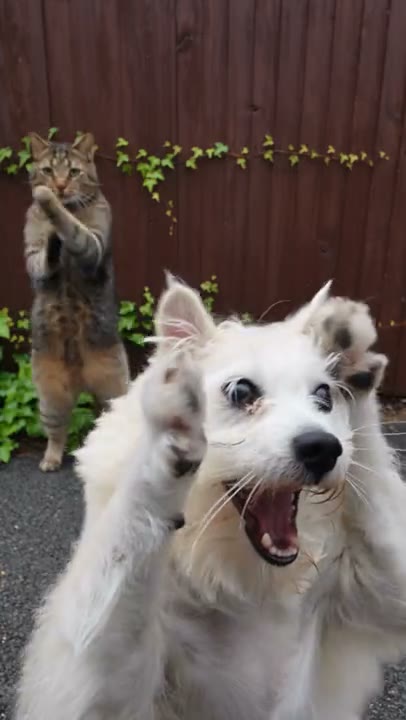
Check the mode and estimate before creating. When your result is ready, play the whole clip and inspect faces, hands, objects and any audio.
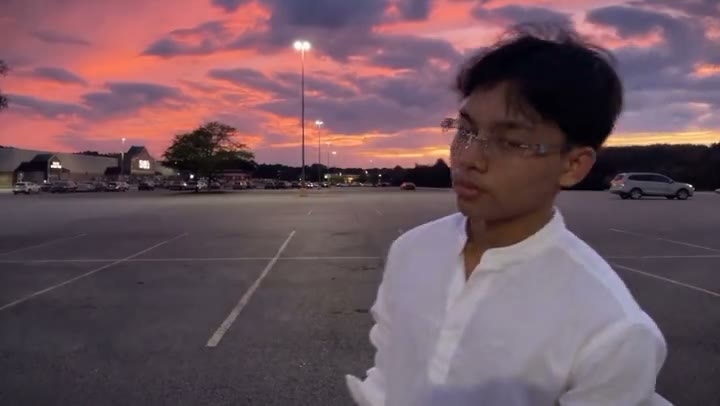
Choose a scene, add the requested photos and review your settings.
Step 1
Find a scene using search or the category filters.
Step 2
Preview the movement and select a template.
Step 3
Add the photos requested for its roles. Review the settings and generate.
What to know before you create.
A trend is a prepared scene built around a performance or visual idea. Select one to load its reference and instructions, then supply photos for the available roles.
Search for its name or browse the category filters. Preview each scene through to the end to check its movement and cast before loading it.
That depends on the template. The workspace labels the required and optional roles so you can prepare a clear image for each subject.
Match the framing to the action. A close portrait may suit a facial reaction; a full-body shot provides more information for a dance or other wide movement.
Prepared trends include their own reference. To use a different performance, exit the template and choose a compatible model that accepts your motion clip.
Yes. Choose another scene from the collection and review any warning that current inputs will be replaced. Browsing and previewing do not submit a generation.
Audio depends on the selected template and mode. Listen to your result and check the rights to any soundtrack before sharing it.
The form displays the estimated credits for the current template and settings. Sign in and check the estimate and your balance before generating.
The output combines the reference performance with your photos and selected settings. Faces, timing and backgrounds can vary, especially during quick motion or overlapping subjects.
Open My creations or account history to review and download completed results. Check the permissions for the people, images and audio involved before publishing.
Return to the collection to preview a trend and load its template.