
Car Entry AI Video Scene
Create a compact executive-arrival beat for a larger edit.
Car Entry AI Video examples
Consider alternative appearances for a video edit.
A prepared arrival for your sequence
Car Entry AI Video casts a person from one image in an existing car-to-office performance. The template supplies the setting and action; your image guides the lead’s appearance.
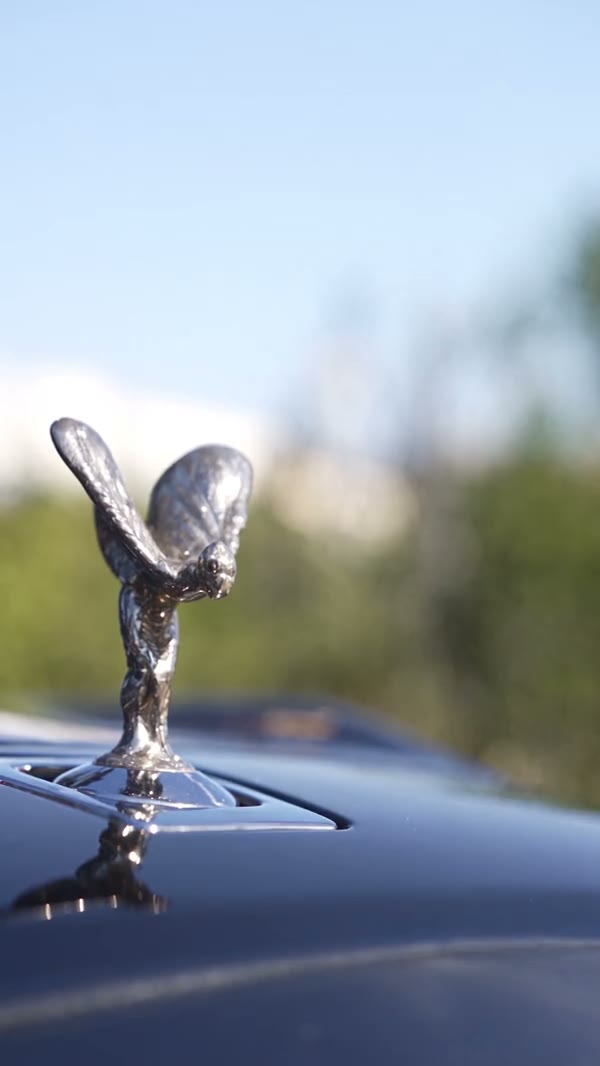
Prepare the shot
Create a compact executive-arrival beat for a larger edit.
STEP 1
Character
Pick the character image.
STEP 2
Selection
Choose the full arrival or opening segment.
STEP 3
Take
Generate and review the take before editing.
Create a shot for your project
Create a compact executive-arrival beat for a larger edit.
Plan around the scene’s cuts
The source includes a car exit, a lobby walk and a later office finish. Its camera and order are fixed, making it suitable as one beat in an edit rather than a tool for directing a custom shot list.
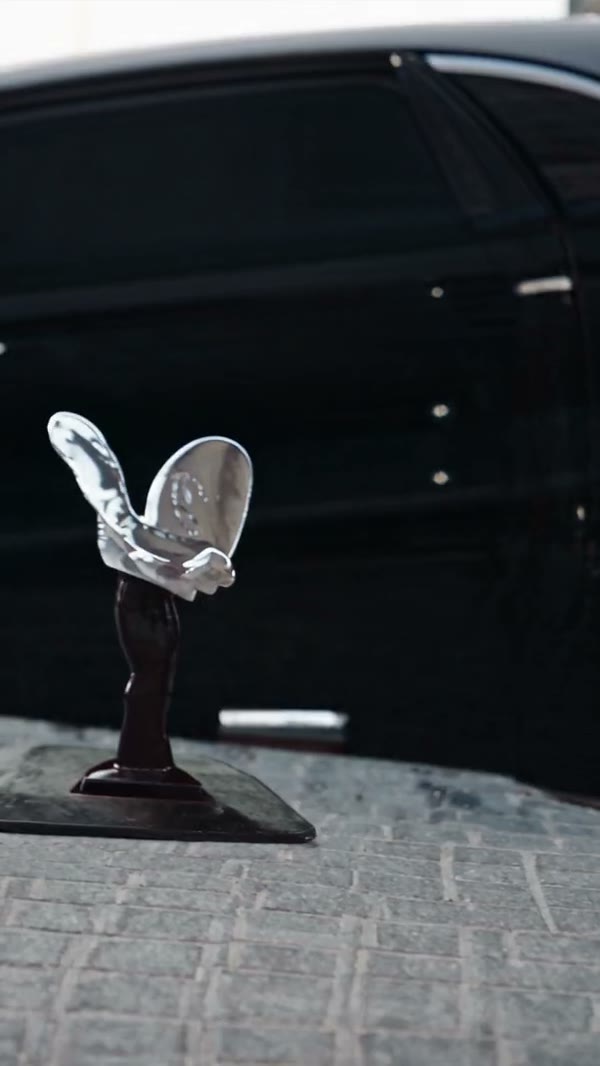
Choose an image for the character
Use a clear photo of one person with the face and clothing visible. The model interprets missing angles, and fast transitions or occlusion can alter the generated identity and outfit.
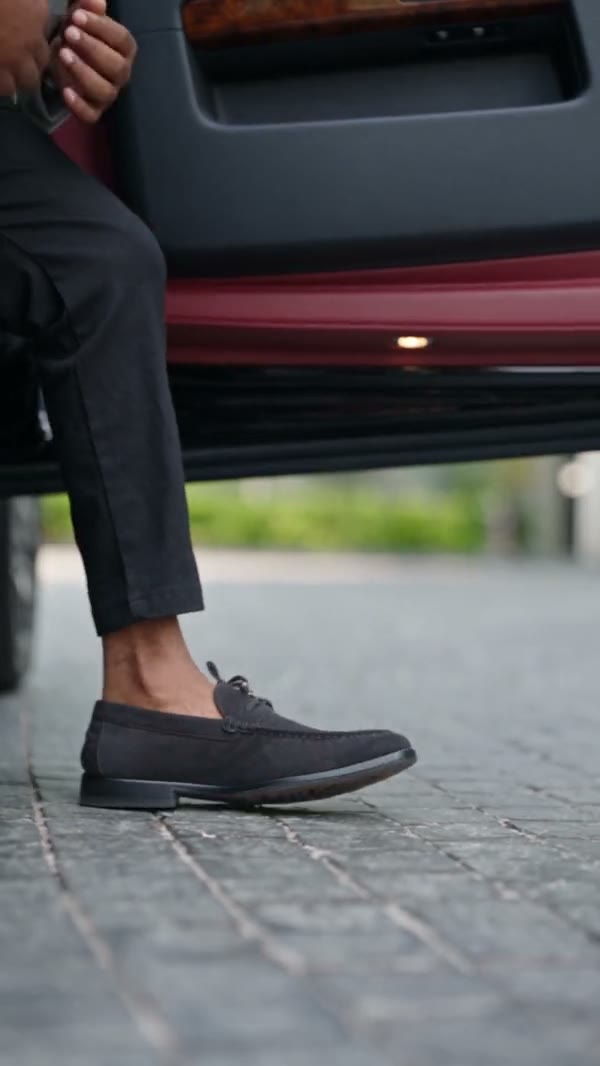
Choose the useful section
Original follows roughly 21 seconds through the office. Economy and Standard use the first 14.9 seconds, so choose the full version if the final office shot matters to your edit. Combining clips happens separately.
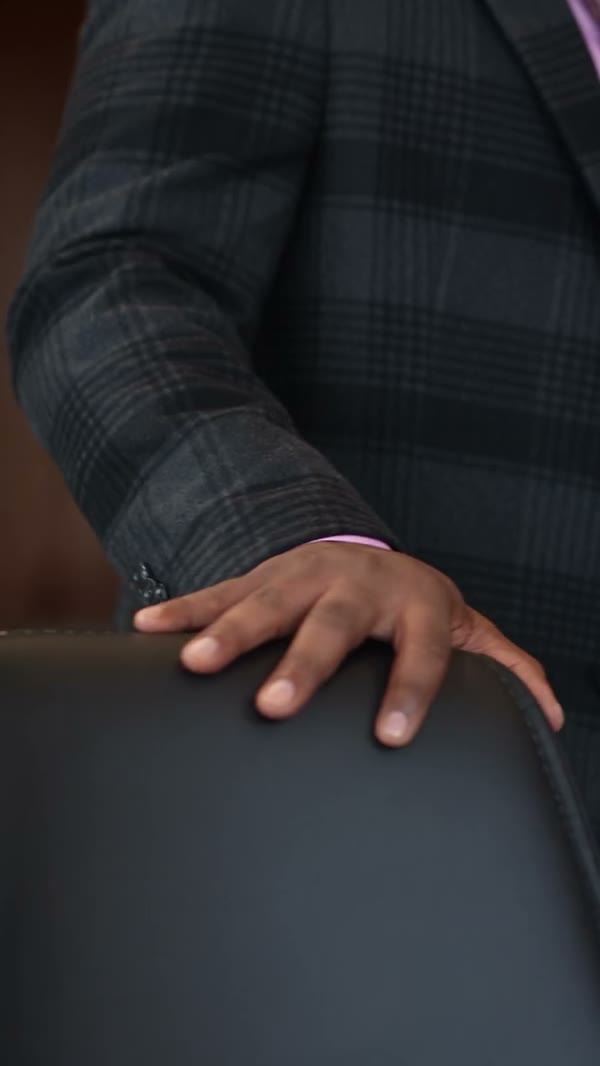
Car Entry AI Video FAQ
Plan around the footage and its limits.
Does this assemble my entire video?
No. It generates this one fixed arrival scene.
Can I select the car or office?
Both are supplied by the reference and have no separate controls.
Can I replace a background person?
The single image guides the main person only.
Does the opening include the final office shot?
The shorter selection stops before that complete ending.