Create a video

Required photos1
Settings
Mode
Video length27s
Resolution

Goodbye GTA 5 Highway AI Video Generator

Cast a driver from one photo in Goodbye GTA 5 Highway AI and follow a road-trip farewell.

0:00 / —:—

What can you make with Goodbye GTA 5 Highway AI?

Goodbye GTA 5 Highway AI turns a single person photo into an interpretation of a prepared game-inspired scene. Your image is assigned to the driver, and the supplied footage guides movement and shot order. The clip can frame a fictional goodbye for a road-trip or game-memory edit. This is a fictional video effect; the model can change facial features, props and details as the camera moves.

A driver waves beside other vehicles on a sunset road

How to create Goodbye GTA 5 Highway AI

Set up the Goodbye GTA 5 Highway AI reference in three steps.

  1. STEP 1

    Provide the driver

    Upload one authorized image of the person you want in the driver slot. Check that the intended subject is clear.

  2. STEP 2

    Choose the cut

    Compare the shorter modes with the complete reference and check the duration and displayed cost.

  3. STEP 3

    Inspect the result

    Sign in and generate. Find the finished task in My creations, play it with sound and download it after reviewing.

Plan your Goodbye GTA 5 Highway AI edit

Understand the cast, shot order and length before creating.

Follow the Goodbye GTA 5 Highway AI shot sequence

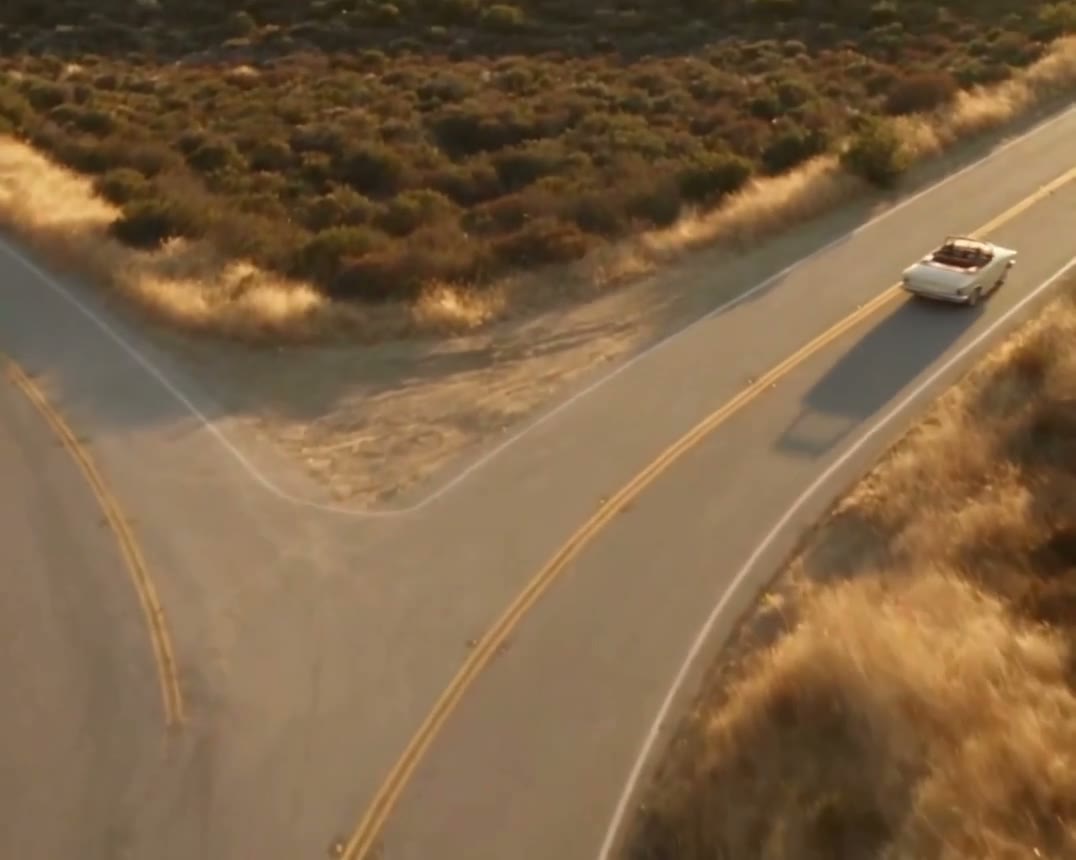
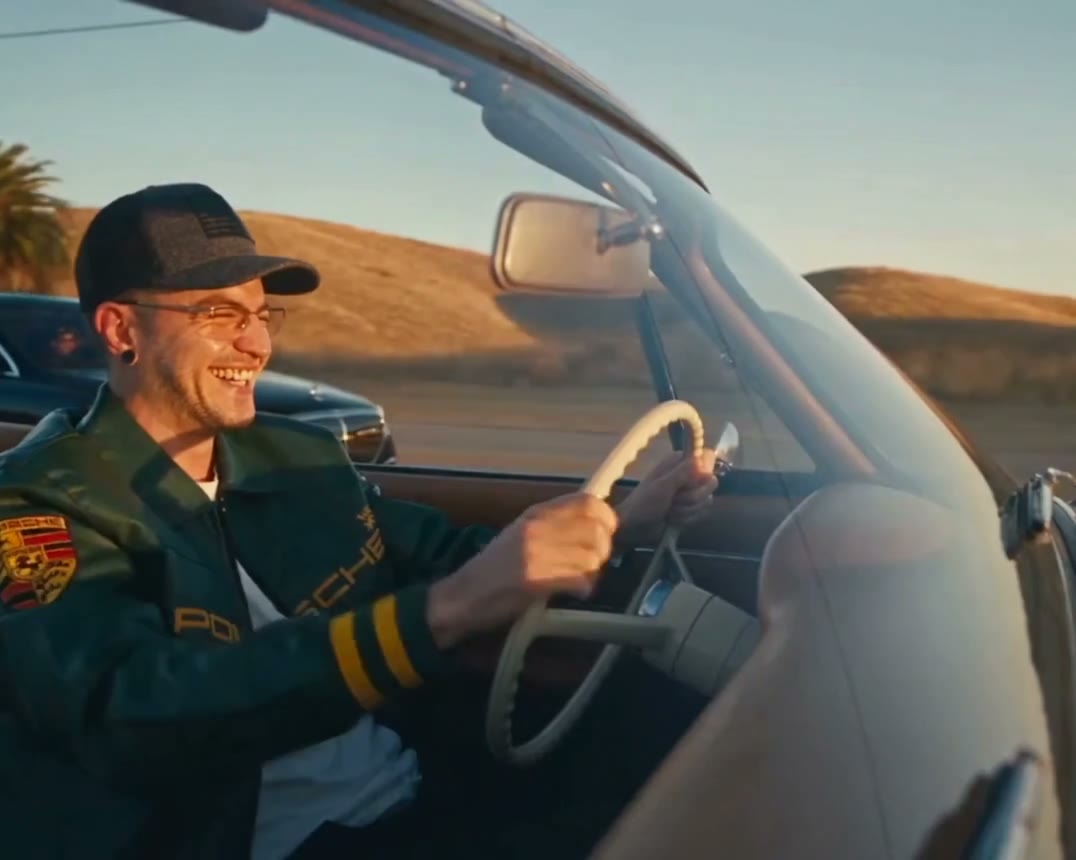
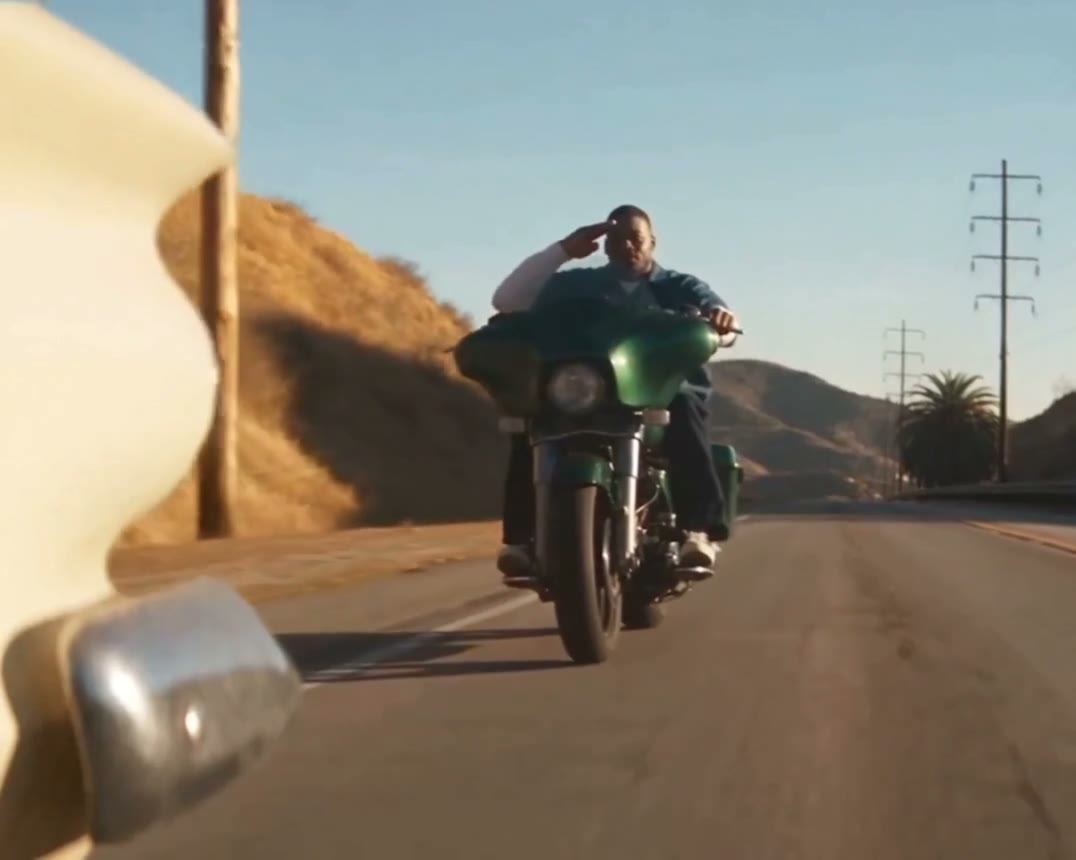
The source for Goodbye GTA 5 Highway AI has a defined beginning, middle and ending. A white convertible moves beside other cars and a motorcyclist as the travelers wave. In the full sequence the convertible continues along the desert road in a wide closing view. Preview it before uploading to understand where the subject appears and which visual events are part of the reference. The generator follows that existing sequence rather than letting you cut individual shots on this page.
Follow the Goodbye GTA 5 Highway AI shot sequence

Prepare a photo for Goodbye GTA 5 Highway AI

For Goodbye GTA 5 Highway AI, pick a well-lit image showing one person’s face, hair and some upper-body detail. Select a photo with one unambiguous subject and enough detail to recognize the person. Strong blur, a face hidden by another person, or a very small crop can make the result harder to judge. Use a picture you have permission to provide.

A driver waves beside other vehicles on a sunset road

Decide how much of Goodbye GTA 5 Highway AI to include

The full trimmed source lasts about 26.5 seconds, while the short selection covers the first roughly 15 seconds. The Goodbye GTA 5 Highway AI workspace offers Economy and Standard with a prepared shorter reference, plus Original for the full scene. The modes use different generation settings. Compare the story beats with the shown duration and review the credit estimate before you submit.

Decide how much of Goodbye GTA 5 Highway AI to include

What remains in the Goodbye GTA 5 Highway AI reference

The white convertible, other vehicles, travelers, sunset road and camera changes are supplied by the reference. In Goodbye GTA 5 Highway AI, the single image slot guides the driver; there are no individual photo fields for the rest of the scene. The model may interpret objects, expressions or printed details differently, and the page does not expose a frame-by-frame editor.

What remains in the Goodbye GTA 5 Highway AI reference

Review Goodbye GTA 5 Highway AI before exporting

Watch the driver across changing angles, and inspect waving hands and car details around each cut. Examine the Goodbye GTA 5 Highway AI output from start to finish, including transitions and any hand-to-object contact. Listen to the result as well: restoration of the reference soundtrack is configured after generation, and the final file should be checked. For a departure in an airport rather than on the highway, choose the airport scene separately.

A driver waves beside other vehicles on a sunset road

Goodbye GTA 5 Highway AI questions

Inputs, timing and what to check after generation.

How many images does Goodbye GTA 5 Highway AI require?

One person photo is required for the driver. The source footage is already included, so there is no second video upload required for this preset.

Which role does my Goodbye GTA 5 Highway AI photo control?

The photo is assigned to the white-convertible driver. Other motorists and the rider are part of the fixed scene.

What does a short Goodbye GTA 5 Highway AI clip include?

The short modes show the opening exchange on the highway and end before the wide final drive-away. Economy and Standard use that prepared selection with their respective settings; the workspace displays the chosen duration.

What happens in Goodbye GTA 5 Highway AI Original?

Original follows the complete trimmed road farewell, including the later wide shot. The reference length is rounded in the interface and the final generated duration can vary slightly.

Can I change the Goodbye GTA 5 Highway AI location?

The white convertible, other vehicles, travelers, sunset road and camera changes are supplied by the reference. To stage a different environment, choose another reference or a workspace that accepts your own authorized footage.

Can Goodbye GTA 5 Highway AI replace several people?

This page has one image slot for the driver. It does not provide separate inputs to cast every other person in the reference.

Will Goodbye GTA 5 Highway AI retain exact facial details?

The input guides the appearance but every generated video can vary. Inspect faces, clothing, hands and transitions, and consider a clearer source image if the subject is hard to recognize.

Does Goodbye GTA 5 Highway AI contain audio?

The prepared reference has audio and the delivery path attempts to restore it. Listen to the completed file and verify the rights that apply before sharing it.

How do I improve a Goodbye GTA 5 Highway AI result?

Start with a sharp image of one person, confirm the role assignment, then compare the selected duration against the reference. Review the entire output rather than relying on its cover image.

Does Goodbye GTA 5 Highway AI use credits?

An account and sufficient credits are required to generate. The workspace shows its current estimate for the selected settings before you confirm a task.

Is Goodbye GTA 5 Highway AI an official game?

This is an independent, fictional AI video template. It is not an interactive game or an official game-publisher release.

Where can I find my Goodbye GTA 5 Highway AI video?

Open My creations to follow the task. Once it finishes, play the video, check the audio and use the download control if the result meets your needs.

Create Goodbye GTA 5 Highway AI

Add a driver photo and choose the part of the sequence you want to follow.

Goodbye GTA 5 Highway AI