Plan for the sequence delivery size
Select 1080p, 2K or 4K in the workspace. A larger frame may be useful for editing or display, but it cannot ensure recovery of detail missing from a compressed source.
240p4K original
Create a larger version of a source shot and inspect its details before continuing your edit.
Your recent video tasks appear here.
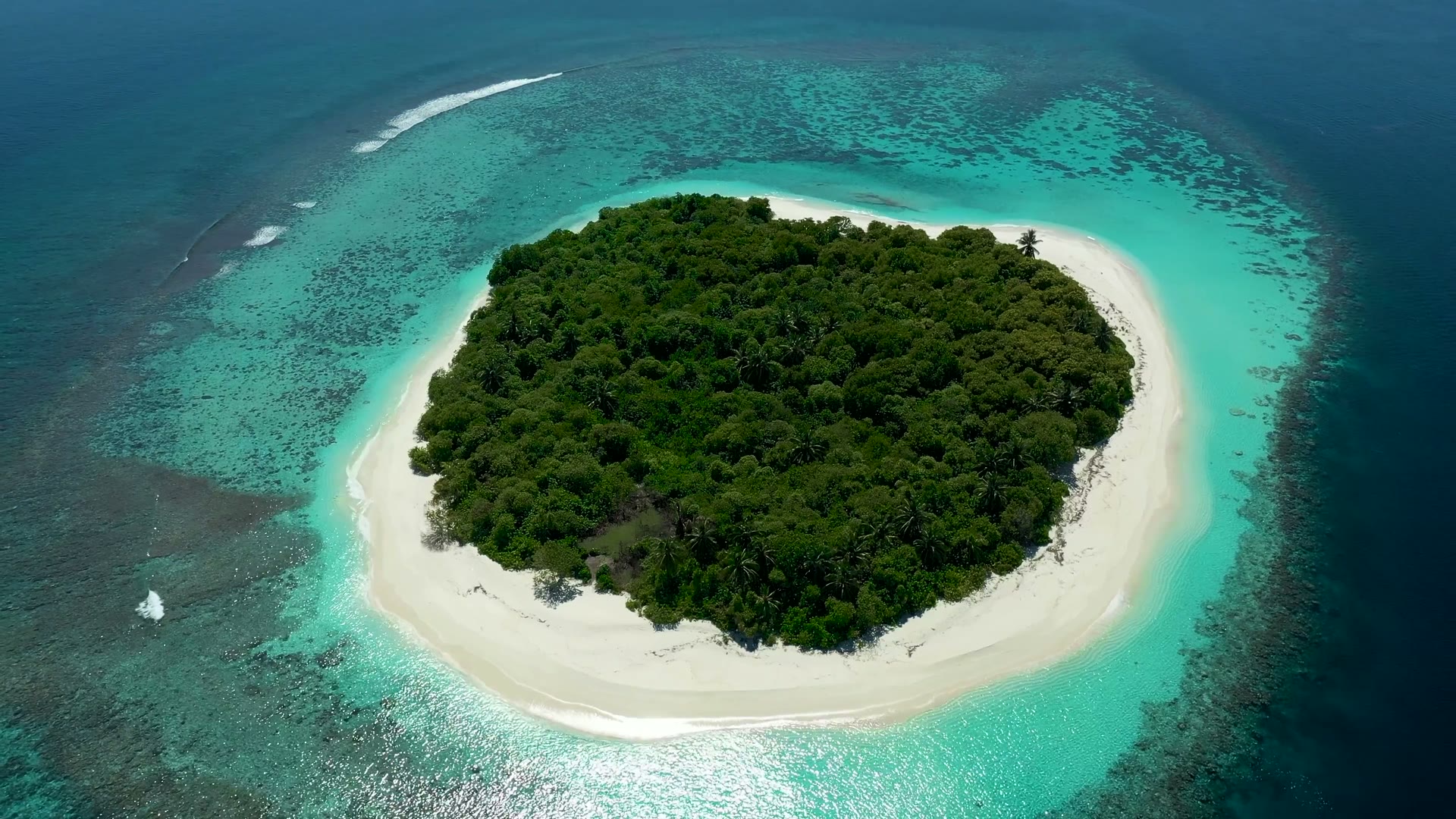
Upscaling creates a higher-resolution version of an existing clip. Our example places a 240p downscaled copy next to the 4K source to illustrate the visual difference; the sample is not a processed output.
Select, size and inspect one clip at a time.
STEP 1
Upload a supported file and wait for its duration to be measured.
STEP 2
Choose among 1080p, 2K and 4K, then review the displayed estimate.
STEP 3
Submit after signing in and download the completed clip from My creations.
Drag the sample divider to compare the two versions.
Select 1080p, 2K or 4K in the workspace. A larger frame may be useful for editing or display, but it cannot ensure recovery of detail missing from a compressed source.
Prepare one MP4 or MOV no longer than 60 seconds and within 50 MB. Use the least compressed version you have permission to process when a sequence relies on fine edges or textures.
Play your completed file from My creations. Check typography, motion boundaries and texture changes throughout the take before placing it in a final timeline.
Details to check before processing.
Each task accepts one MP4 or MOV file up to 60 seconds and 50 MB.
No. The sample compares a downscaled 240p copy with its 4K original to illustrate resolution.
No. Source blur and compression can limit detail, and artifacts may appear in the generated file.
When processing finishes, open My creations to play and download the available output.