
Christmas Pet Dance Video AI
Create a vertical holiday insert featuring your pet.
Christmas Pet Dance Video AI examples
Compare subjects within the holiday pet scene.
A ready-made sequence
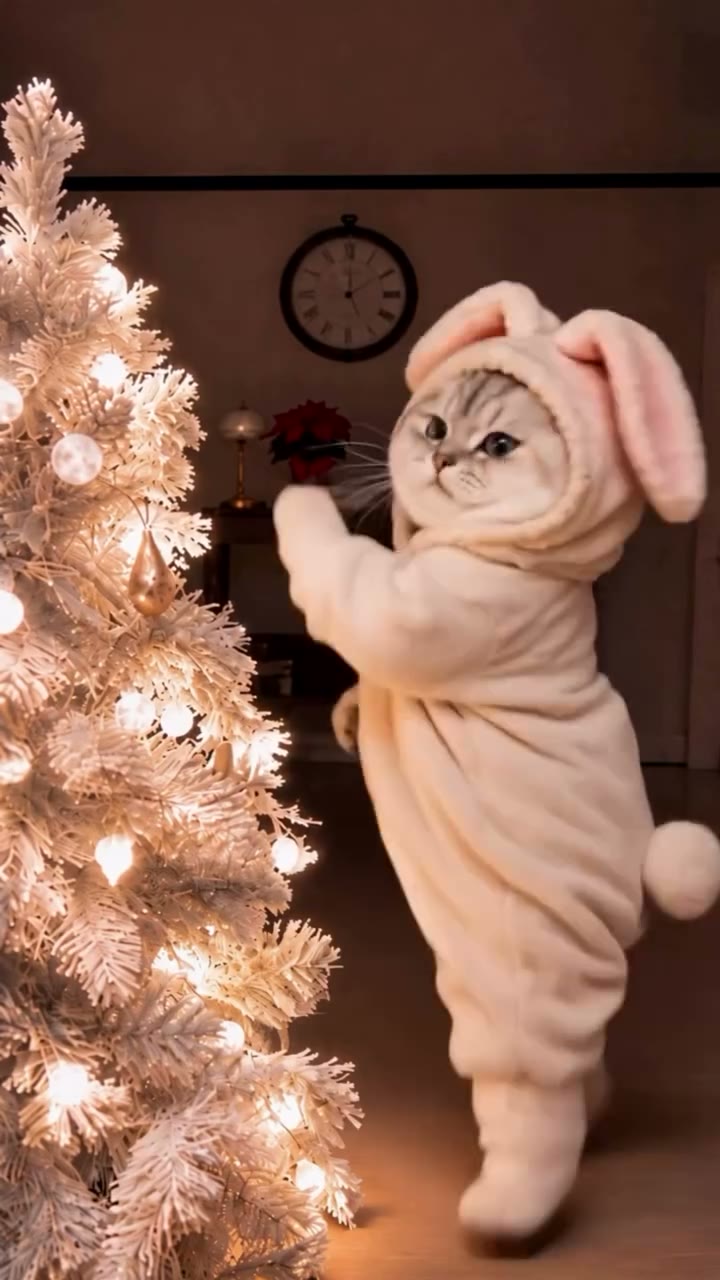
Christmas Pet Dance Video AI produces a single pet performance from a photo and a prepared indoor holiday clip. A standing animal gestures beside a lit tree and turns. The pet photo guides appearance; the reference supplies the room and action. It can become one seasonal shot in a longer edit, but this page does not automatically build a greeting or match several clips.
Create with Christmas Pet Dance Video AI
Prepare your input before building the next clip.
STEP 1
Provide
Provide one clear photo of a cat or dog to build the clip.
STEP 2
Plan
Plan around the roughly 19-second dance or its shorter opening and the shown estimate.
STEP 3
Check
Check the pet’s face and paws during the turn before editing the result.
Plan around the footage
Use the prepared action as a clip from this holiday pet scene.
Prepare your cast
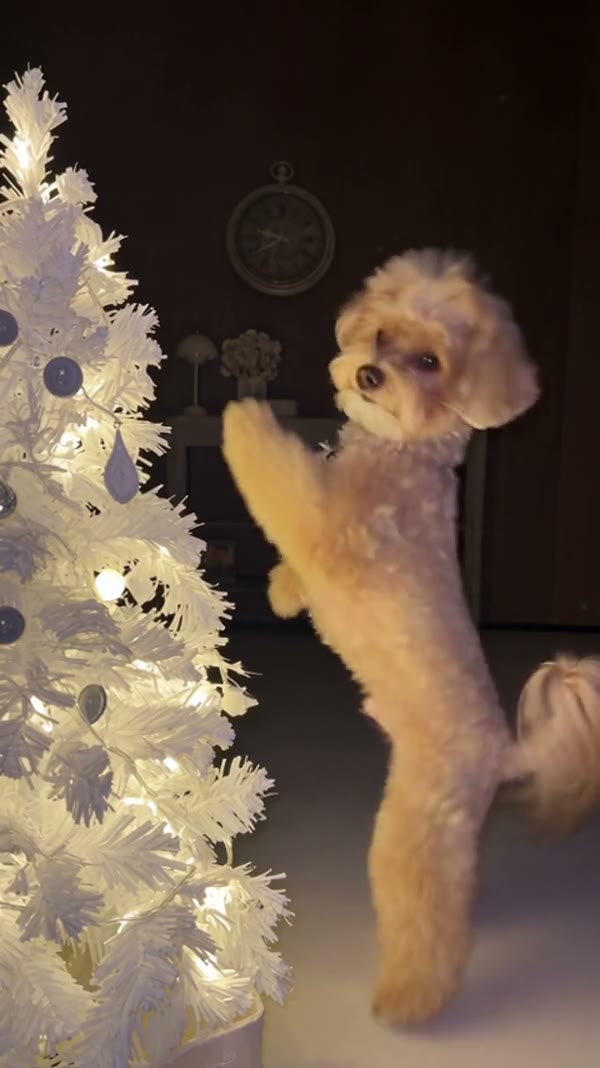
Select one recognizable cat or dog photo for Christmas Pet Dance Video AI. Make the face, ears and distinctive markings easy to see. A picture need not show the pet standing: the supplied video provides that movement. If another animal is prominent in the image, crop around the intended subject while retaining its head shape and enough coat detail for identification.
Plan around the footage
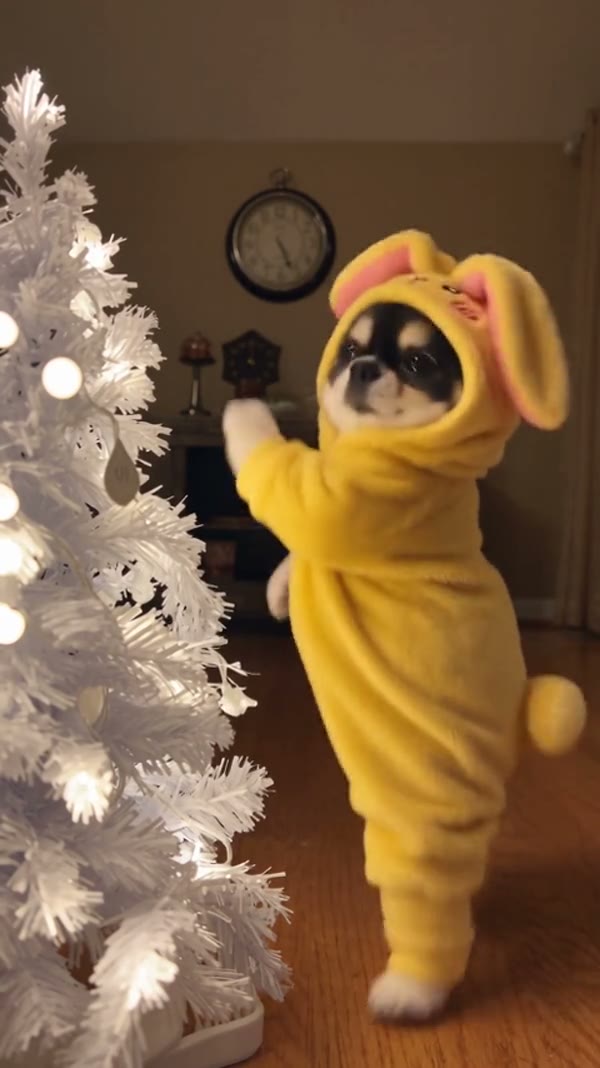
The Christmas Pet Dance Video AI reference is vertical. Its tree, lighting and turn establish the background and pacing for the shot. The original animal has a bunny-style outfit, but there is no separate costume control and generated appearance can vary. Preview the animal before and after the turn to identify a useful point for a later cut or transition.
Check your output
Original follows the full Christmas Pet Dance Video AI reference of about 19 seconds. Economy and Standard use the first roughly 15 seconds with different settings. Check the preview and displayed estimate before generating. When the task finishes, compare the pet's face and paws through the turn, then listen to the delivered file for the attempted restoration of source audio.
About the Christmas Pet Dance Video AI scene
Background to the holiday pet scene.
A vertical Christmas reference
Seasonal pet clips vary widely. This vertical reference follows one animal beside a lit indoor tree. View the supplied pet video
Christmas Pet Dance Video AI questions
Review the choices and limits of Christmas Pet Dance Video AI before creating.
Can Christmas Pet Dance Video AI be a seasonal transition?
The turn in Christmas Pet Dance Video AI can be considered when planning a later edit. Generate and review the single prepared clip first, then arrange cuts in a separate editor. The workspace does not automatically match the movement to external footage or provide a custom transition point inside the fixed reference.
What photo does Christmas Pet Dance Video AI need?
Christmas Pet Dance Video AI requires one clear cat or dog image for the featured pet. Look for a visible face, ears and characteristic coat markings. The photo does not have to show a dance pose. A very small or obscured animal offers fewer appearance cues, and details can still vary in motion.
Does Christmas Pet Dance Video AI support more than one pet?
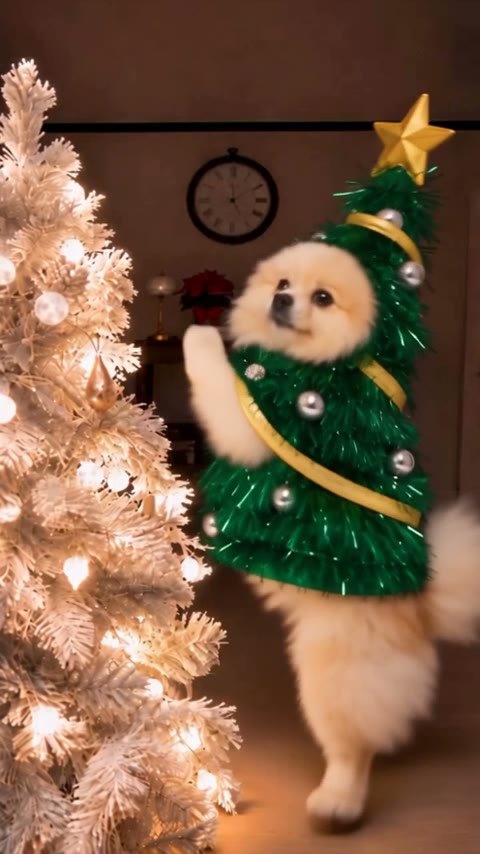
The Christmas Pet Dance Video AI workspace has one required pet-photo slot. The supplied indoor reference features one animal beside a tree. A group picture can make the intended subject ambiguous, so select a single clear pet or an appropriate crop. There are no separate assignments for other animals in this scene.
Can a dog appear in Christmas Pet Dance Video AI?
Yes. Christmas Pet Dance Video AI can use a dog or cat photograph for its single role. The source performance was made with a cat, so the model may adapt its upright posture, paws and clothing. Review the generated animal across the turn to decide whether the appearance works for your project.
Can I move the Christmas Pet Dance Video AI tree?
The tree, room and decorations come from the Christmas Pet Dance Video AI reference. There is no separate background selector or tree-position control on this page. Watch the preview when the holiday setting matters to your edit; a different room would require a compatible workflow with another reference.
Which Christmas Pet Dance Video AI mode includes the ending?
Original follows the complete Christmas Pet Dance Video AI reference, roughly 19 seconds. Economy and Standard use a prepared opening near 15 seconds and different settings. Check the later movement before planning a cut around it. The workspace shows the current estimate and does not expose an arbitrary trim point.
Can I add text to Christmas Pet Dance Video AI?
Christmas Pet Dance Video AI has no dedicated greeting field in its fixed workspace. You can add text after downloading the result in a separate editor. Leave room around the pet's moving face and paws, and preview the vertical frame with the destination platform's controls and overlays.
What should I inspect after Christmas Pet Dance Video AI?
Watch Christmas Pet Dance Video AI from the opening through the turn, checking the face, ear shape and coat markings against your input. The source outfit or paws may be interpreted differently. Review the result as moving footage rather than judging only a still cover, particularly before using the turn as a transition.
Where can I listen to Christmas Pet Dance Video AI?
Open My creations after Christmas Pet Dance Video AI completes and listen to the delivered file. The workflow attempts to restore reference sound; the finished result shows what was actually produced. Check the selected duration and audio before placing the clip alongside another soundtrack or sharing it.