Create a video

Required photos1
Settings
Mode
Video length29s
Resolution

Toosie Slide AI Video Generator

Create a piano-room dance clip from one photo for your next video edit.

0:00 / —:—

Start with a prepared dance sequence

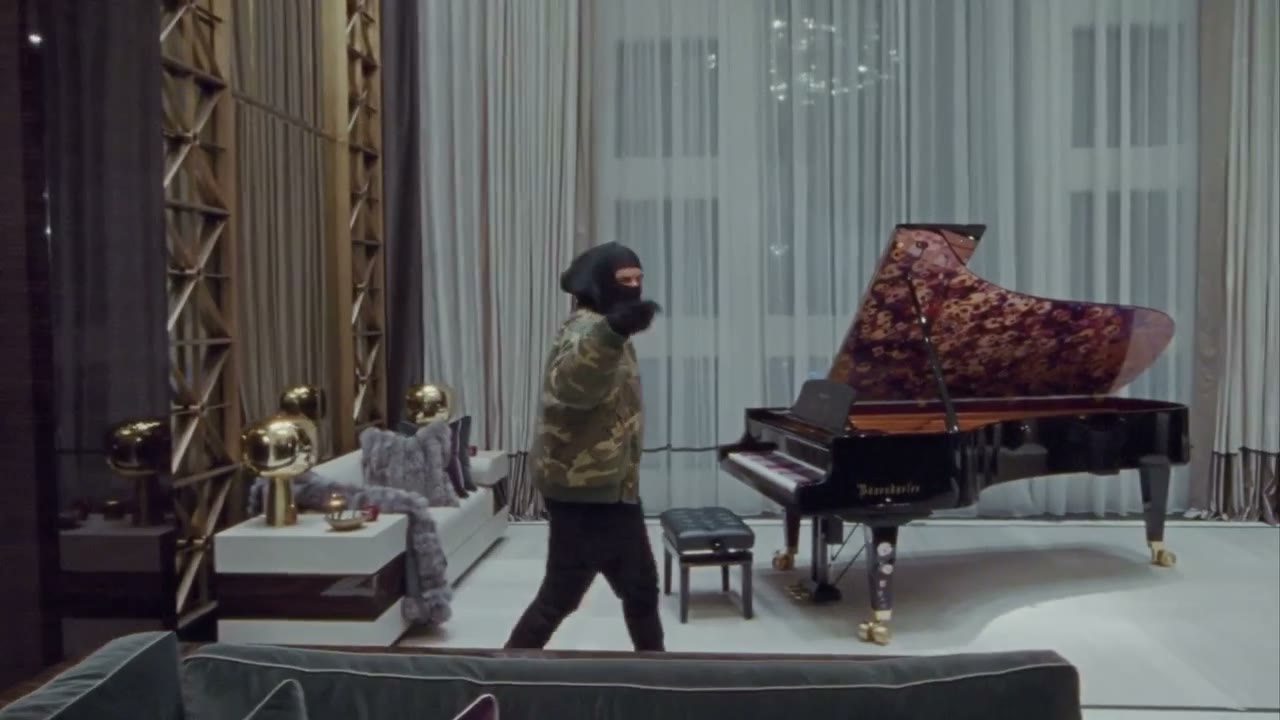
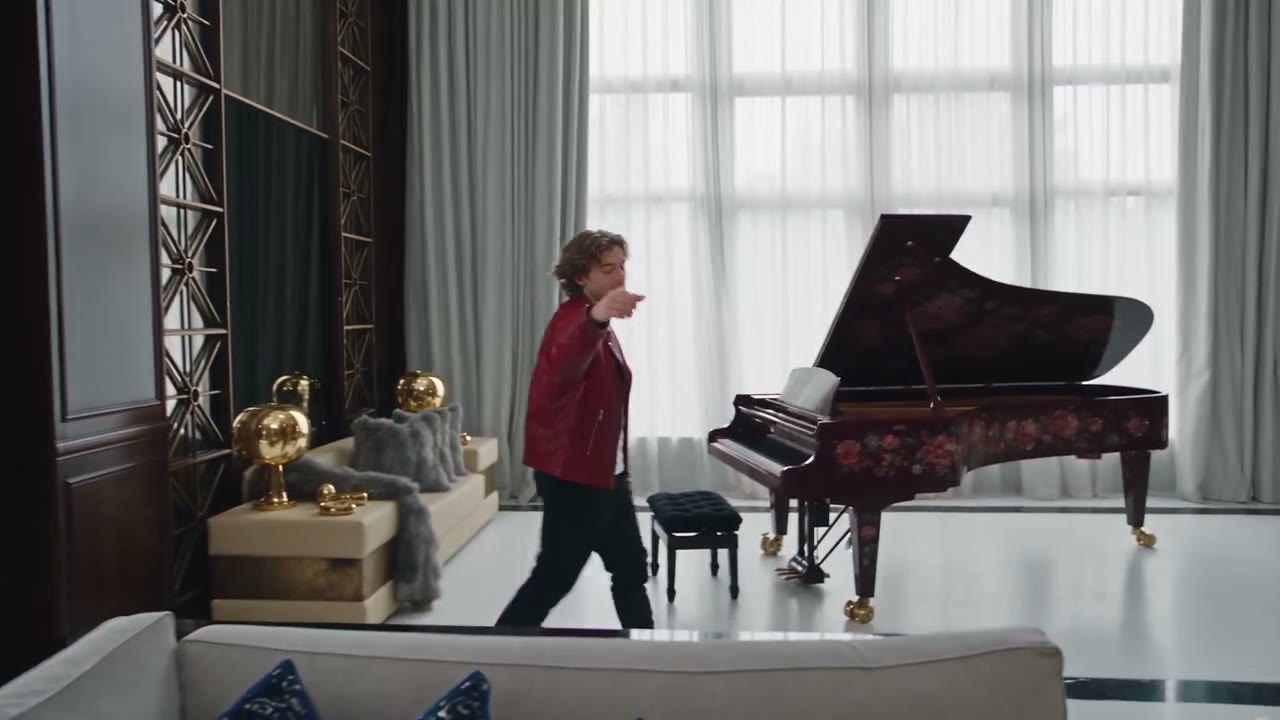
Toosie Slide AI gives one person a ready-made performance beside a grand piano. The dancer gestures and steps in the foreground, then moves through another room. Your uploaded photo guides that performer, while the setting, camera and timing come from the template. The background person remains part of the source.

Toosie Slide AI reference

How to make a Toosie Slide AI video

Create a piano-room dance clip from one photo for your next video edit.

  1. STEP 1

    Choose a dancer photo

    Add one authorized image for the foreground performer.

  2. STEP 2

    Preview the segment

    Compare the shorter dance selection with the full scene.

  3. STEP 3

    Create and inspect

    Review the finished movement before adding the clip to an edit.

Toosie Slide AI

Create a piano-room dance clip from one photo for your next video edit.

Select an image for a moving subject

For the wide dance shots, use a photo that shows the person’s outfit and body as well as a clear face. The reference partly covers the performer’s face, so not every detail will always be visible. A single, uncluttered subject makes it easier to judge the match as the dancer changes direction.
Select an image for a moving subject

Fit the duration to your sequence

The complete reference is roughly 29 seconds and includes the walk into the adjoining room. Original uses that longer source; Economy and Standard use its opening 14.9 seconds near the piano. Preview the selected segment and check the displayed estimate before starting a generation.

Toosie Slide AI reference

Review before combining clips

Watch the footwork and silhouette around the piano, and check for changes in hair or clothing during the walk. Audio restoration is attempted from the selected source, so listen to the exported video before combining it with other material. Use only photos and audio you are authorized to use.

Toosie Slide AI example

Toosie Slide AI questions

Choose a dancer and the reference length that fits your edit.

How many photos does Toosie Slide AI take?

One required photo guides the dancer in the foreground.

Can I replace the background person?

There is no separate slot for that person; the reference guides the background.

Does the short mode include the whole walk?

The short modes use the opening 14.9 seconds. Original follows the full roughly 29-second source.

Can I supply a different dance?

This preset follows its supplied footage. A different reference requires a workspace that supports your own video.

Can the outfit change?

The image guides the outfit, but generated clothing and small details can vary during motion.

Create with Toosie Slide AI

Choose a dancer and the reference length that fits your edit.

Toosie Slide AI